
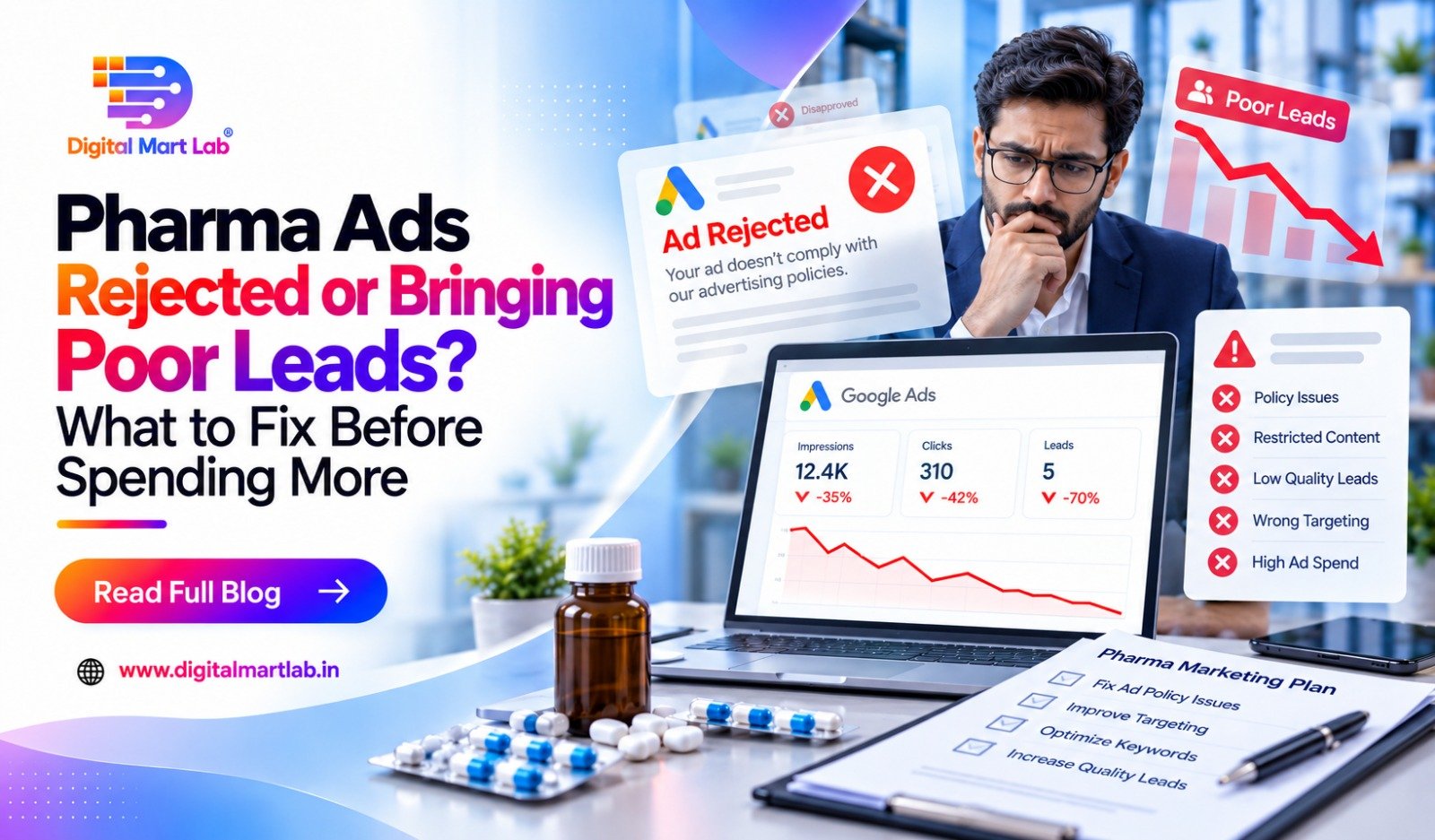
“Another advertisement has been rejected.”
“The campaign is running, but the enquiries are unsuitable.”
“We are getting calls, but very few discussions move forward.”
These problems can feel similar because the business outcome is disappointing. But they need different solutions.
A rejected advertisement needs an eligibility and policy review. An active campaign attracting unsuitable enquiries needs a closer look at the audience, offer and destination page. Relevant enquiries that stall after contact may reveal a commercial or follow-up problem.
Before increasing spending on pharma ads, identify where the problem begins. Otherwise, a larger budget may repeat the same issue at a higher cost.
First, separate ad rejection from poor lead quality
An advertisement being allowed to run does not establish that it will attract suitable buyers.
Equally, changing the audience will not resolve a restriction involving the advertised offer or destination.
Start by identifying the situation you are facing.
| What is happening? | What to investigate first |
| The advertisement is disapproved | The exact policy reason and affected advertisement or destination |
| The account is restricted | The account-level notice and required review process |
| The campaign runs but attracts unrelated enquiries | Search intent, audience, message and enquiry expectations |
| Buyers request unsupported manufacturing work | Capability descriptions, quantities, packaging and campaign focus |
| Suitable prospects stop after receiving details | Portfolio fit, pricing, terms, support and follow-up |
| Reports show leads the team cannot find | Tracking, form delivery and duplicate records |
Several issues can exist at the same time. Keep them separate so your team knows which change is intended to solve which problem.

If your pharma advertisement is rejected, read the exact reason
Do not begin by changing the creative’s colours or replacing a few words.
Open the rejection details and record the policy cited. Identify whether the issue concerns the advertisement, its destination or a wider account restriction.
For Google Ads, the healthcare and medicines policy includes restrictions that depend on the content, category and location. Some advertising requires specific eligibility or certification; other content cannot be advertised.
Calling an offer “B2B” does not automatically establish eligibility.
Your campaign needs assessment against the rules that apply to the actual business, offer and destination.
Keep a clear record before making changes
Your campaign manager should retain:
- The rejection message and policy reference.
- The affected advertisement.
- Its destination URL.
- The intended offer and target location.
- Relevant account notices.
- A record of changes already made.
This helps the review focus on evidence instead of repeated guesses.
Correct the issue or use the appropriate review route
Where a correctable issue is identified, make the necessary change and check the full destination before requesting review.
If the decision appears incorrect, use the platform’s official appeal process with accurate supporting information. Google explains the relevant options in its guidance on fixing disapproved ads and appealing decisions.
Do not hide the real offering from reviewers or create replacement accounts to evade restrictions.
Did You Know? Repeated pharma ad rejection needs a proper diagnosis. A specialist review can examine the rejection, website and applicable restrictions to identify correctable issues and assess whether the proposed campaign is eligible.
Review the page behind the advertisement
The advertisement is only one part of what the buyer encounters.
Open the destination page and check whether it accurately explains the business and the advertised service.
A campaign mentioning a manufacturing capability should not send buyers to a page dominated by unrelated franchise offers. A distributor advertisement should clearly explain that it concerns a business partnership.
Check for inconsistent or unsupported claims
Review the page for statements about:
- Business identity and facility ownership.
- Supported products or capabilities.
- Certifications and their scope.
- Territory availability.
- Results, margins or commercial promises.
A different headline or image will not resolve an underlying issue with the offer.
Necessary changes should make the information accurate and understandable throughout the relevant journey.
Check the contact process
Make sure the page works on a phone, the form submits correctly and the enquiry reaches the responsible person.
Also check what the visitor believes they are requesting. A catalogue download and a request for a sales call should not be presented as though they are the same action.
A review of your website and landing-page design can help identify these gaps.
If the campaign is running, define what “poor lead” means
“The leads are bad” does not give your campaign manager enough information to make a useful change.
Ask the sales team to record the reason.
| Sales outcome | What it may indicate |
| Individual medicine purchase request | The message or traffic may be attracting consumers |
| Job enquiry | The opportunity may be unclear or search intent may be unrelated |
| Unsupported dosage form | The capability description or campaign focus may be too broad |
| Quantity below confirmed requirements | Order expectations need review |
| Relevant buyer, but commercial terms do not fit | The offer needs discussion; targeting may not be the main issue |
| No response after contact | The reason remains unconfirmed |
| Requirement still undecided | More clarification may be needed |
Do not mark every unanswered call as an unsuitable lead. The person may be unavailable, still researching or waiting to speak at another time.
A confirmed mismatch and an unknown outcome should remain separate in the report.
Review manufacturing enquiries by capability, quantity and packaging
Manufacturing lead quality becomes easier to assess when your team records the actual requirement.
For declined enquiries, note:
- The requested dosage form.
- Product or specification details provided.
- Estimated quantity and unit.
- Packaging preference.
- The reason the request could not progress.
This information can reveal a pattern that a basic campaign report misses.
Explain what you can actually support
If a campaign repeatedly attracts requests outside your capability, review the advertisement and landing page together.
Broad phrases such as “all manufacturing solutions” may create expectations your business cannot meet.
Describe the supported service and give buyers a clear way to share their requirement.
Clarify quantity requirements carefully
Where verified order requirements can be published, explain them with the correct unit and scope.
If they vary by product or packaging, say so and ask for an estimate.
Illustrative example: A manufacturer receives repeated requests for quantities below what the business can support for the advertised service. The team confirms the relevant requirement, explains it clearly on the page and adds a quantity-and-unit question to the form.
The next review should check whether suitable requests improve—not assume that fewer total enquiries automatically means the change succeeded.
Did You Know? More advertising will not fix repeated requests for unsupported manufacturing work. Reviewing declined enquiries by dosage form, quantity and packaging helps your campaign manager focus on relevant capabilities.
Check whether your advertisement clearly identifies the buyer
A product image may attract attention without explaining the intended business opportunity.
If you want distributors, say that clearly. If the offer concerns third-party manufacturing, describe the supported service. If it is a franchise enquiry, explain what the person will be contacting you about.
For both Google and Meta campaigns, review whether the creative and form prepare the visitor for a business conversation.
Review available search activity in Google Ads
Where search-term information is available, check what people searched before reaching the campaign.
Look for patterns involving jobs, individual purchases or requirements outside your offer. Review keyword choices and exclusions carefully so you do not remove relevant business searches along with unsuitable ones.
Review the message and form in Meta campaigns
If respondents repeatedly misunderstand the offer, examine the wording before assuming that a different audience selection will solve everything.
A clear range or partnership message, supported by relevant questions, can help people understand the contact they are requesting.
Platform settings should be chosen for the actual campaign. There is no single audience formula that guarantees suitable pharma leads.
Use sales feedback to separate targeting problems from offer problems
A relevant distributor may enquire, review your portfolio and decide it does not fit their business.
Another may like the range but be unable to proceed under the proposed commercial terms.
These are different from a patient asking for one strip of medicine.
If every unsuccessful conversation is reported as a targeting failure, your marketing team may keep changing campaigns while the underlying objection remains.
Record the buyer’s stated concern
Useful feedback might include:
- The requested range is unavailable.
- The territory does not fit.
- The proposed commercial terms are unsuitable.
- The expected support differs from what is offered.
- The buyer is planning for a later date.
- The quotation needs further clarification.
Record what the prospect actually said. Avoid guessing the reason for silence.
Review repeated objections together
The owner, sales team and campaign manager should look at patterns.
If suitable buyers repeatedly ask for support your company does not provide, the advertisement or website may be setting the wrong expectation.
If they understand the offer but reject the commercial terms, that may require a business decision rather than another creative.
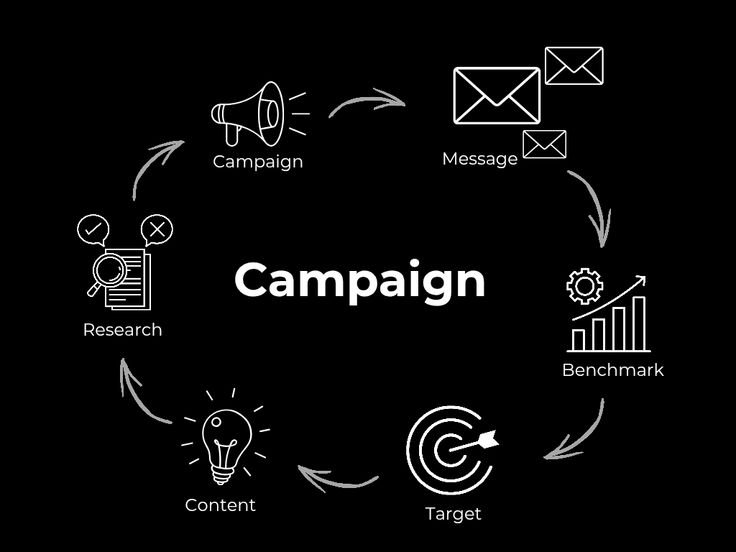
Make sure the campaign report matches real enquiries
Check what your reporting system counts as a lead.
A button click, catalogue download and completed enquiry are different actions. Duplicate submissions can also make the number appear larger than the people your team can contact.
Agree on a simple definition of a relevant enquiry—for example, an identifiable business requirement that your team may be able to serve, subject to review.
Track both lead volume and suitability.
A useful measure is cost per relevant enquiry: the campaign spend divided by the enquiries meeting your agreed definition over the same period.
Use it alongside later sales progress. A relevant enquiry is not a confirmed order, and some buying decisions take longer than the reporting period.
What should you fix before increasing the budget?
Use the evidence to choose the next action.
| Finding | Priority action |
| The rejection reason is unresolved | Complete the eligibility and policy review |
| The destination misrepresents the offer | Correct the relevant website information |
| Requests are repeatedly outside capability | Narrow and clarify the advertised service |
| Visitors misunderstand the purpose of the form | Explain the contact request clearly |
| Suitable buyers raise the same commercial objection | Review the offer with the business team |
| Enquiries are not reaching sales | Repair delivery and assign ownership |
| Lead counts do not match actual contacts | Review tracking and duplicates |
After changes, review comparable results and note what else changed, including spending, audience or offer.
Avoid changing every part of the campaign at once unless necessary. Otherwise, it becomes difficult to understand which adjustment helped.
How Digital Mart Lab can help review your pharma campaigns
Digital Mart Lab can help assess the campaign from advertisement to sales feedback.
Through performance marketing services, the proposed work can include:
- Reviewing rejection notices and the relevant campaign context.
- Assessing the offer and destination against applicable requirements.
- Clarifying business messaging.
- Reviewing targeting and available search activity.
- Improving enquiry questions.
- Checking agreed conversion tracking.
- Using sales outcomes to guide campaign changes.
Website changes can support this work where the destination needs clearer content or a better enquiry process.
Where initial screening is taking significant time, AI-assisted enquiry qualification may help collect requirements and prepare summaries. It cannot resolve an ineligible offer or replace human technical and commercial assessment.
Your wider plan may also include SEO for relevant business discovery, giving buyers another route to your website over time.
The scope should follow the problem identified. Approval and business results cannot be guaranteed.
Frequently asked questions about pharma ads and lead quality
1. Does a rejected pharma ad mean our business cannot advertise?
Not necessarily. The exact reason, offer, location and applicable requirements need review. Some issues may be correctable; other proposed activity may not be eligible.
2. Will changing the creative design fix the rejection?
Only if the issue relates to something the change actually resolves. A different colour or image will not correct a restriction involving the offer or destination.
3. Are B2B pharma campaigns automatically allowed?
No. B2B positioning does not remove platform requirements. Assess the actual advertisement and website under the rules relevant to that platform and offer.
4. Why do suitable enquiries still fail to become orders?
Commercial terms, range fit, availability, timing and follow-up can affect the outcome. Review the conversation before classifying it as a targeting problem.
5. Should we increase spending when the cost per lead is low?
First check what those leads represent. A low submission cost is less useful if most requests do not fit your business. Review relevance and sales progress as well.
6. Can an agency guarantee ad approval or qualified leads?
No. An agency can review evidence, make appropriate improvements and manage campaigns, but it cannot control every platform decision or buyer response.
Find the reason before paying for more of the same
A rejected advertisement, an unsuitable requirement and a lost commercial discussion need different responses.
Read the policy reason, check the destination, classify enquiry outcomes and listen to what buyers tell your sales team.
Once the issue is clear, your next campaign decision can address it directly.
Pharma ads being rejected or generating enquiries your team cannot use?
Discuss Your Pharma Campaign with Digital Mart Lab
Share the campaign issue, destination page and a summary of recent enquiry outcomes. We can use that information to identify what needs attention before you commit more budget.